
Create a channel
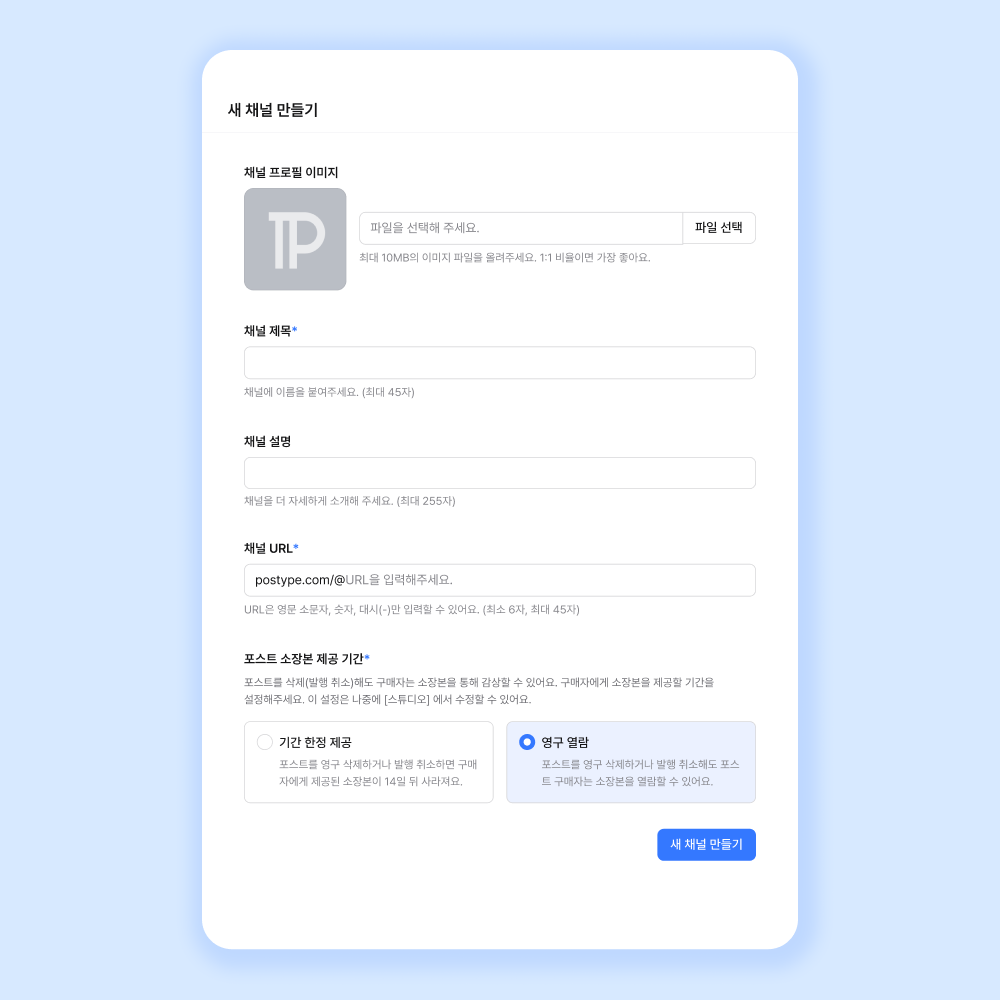
- Before you write your first post, please create a channel where you will publish your posts.
- Go to [My Menu] > [Create new channel] and enter the channel title, URL, and the provision period for post collected copies.
- Multi-profile channels are limited to 5 per account, regardless of how many multi-profiles you have.
Write a post
Write on the web
- Go to [My Menu] > [Studio] on your channel > [Write new post], or tap [My Menu] > the '+' on your channel to create a new post.
- You can also go to your channel > [Channel settings] > [Write new post] to create a new post.
Write in the app
- Go to [My Menu] > tap the [Studio icon] on your channel, or go to [My Menu] > tap the '+' on your channel to create a new post.
- From your channel, you can also go to [Channel settings] > tap '+' to create a new post.
Once you’ve finished writing your post, publish your post and share it with your readers.